Focus where your tasks already live.
A native Mac focus timer for Local, Apple Reminders, and Obsidian.
macOS 15 (Sequoia) or later
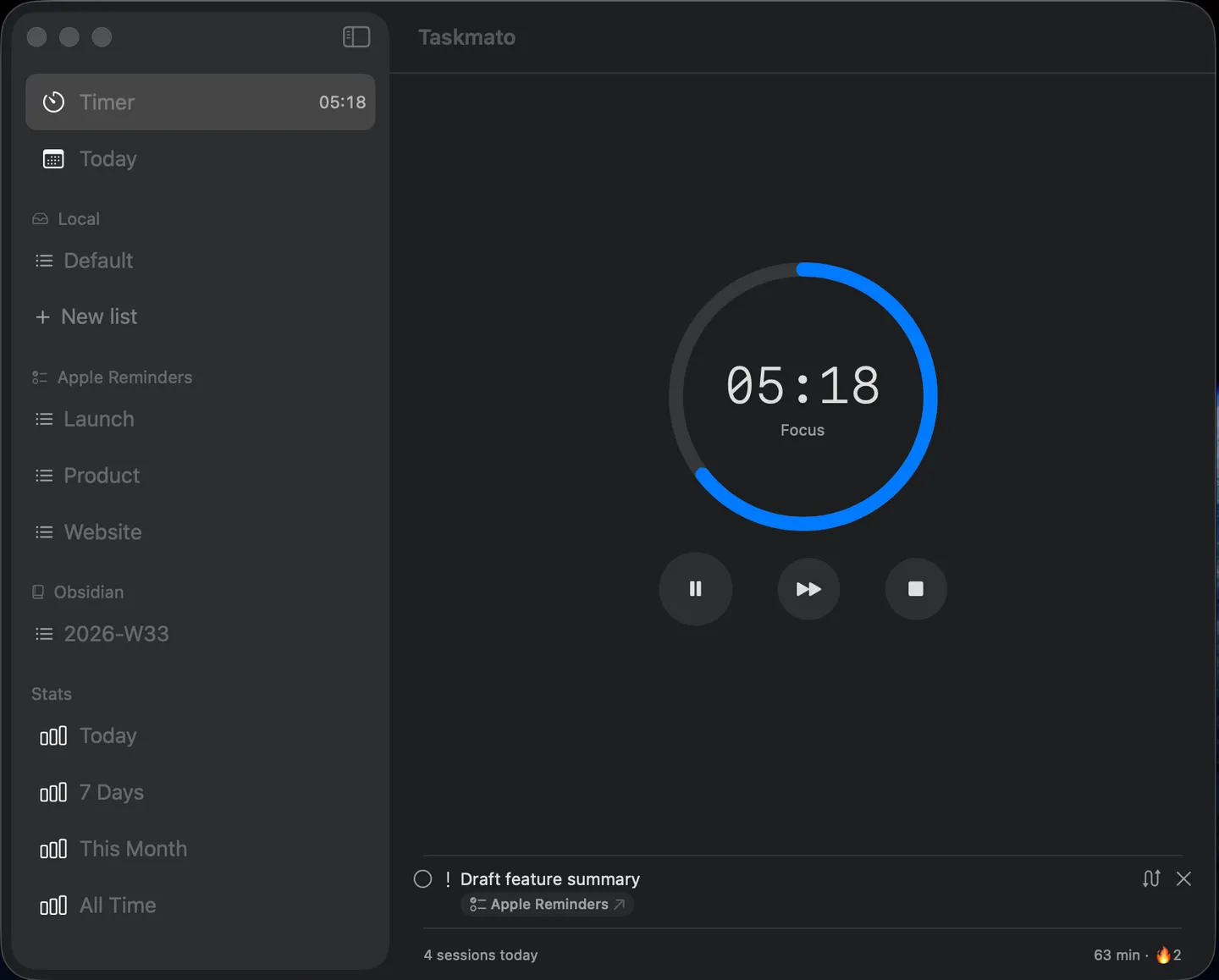
Local
Create and manage tasks on your Mac.
Apple Reminders
Work with the lists you already use.
Obsidian
Focus from the Markdown tasks in your vault.
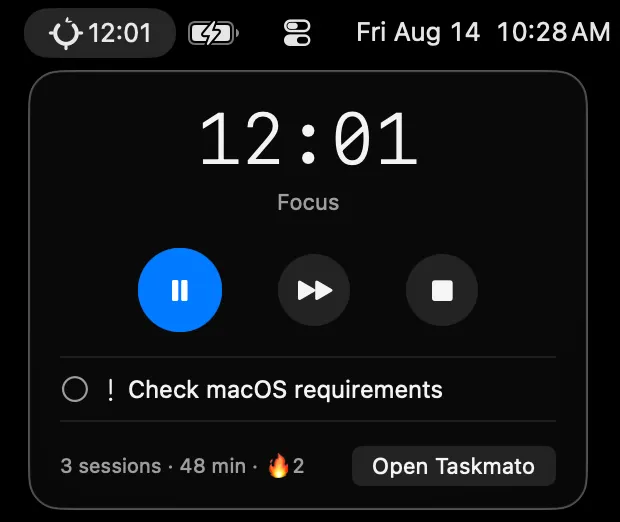
Focus from the menu bar.
Start, pause, skip, and stop without leaving what you're doing.
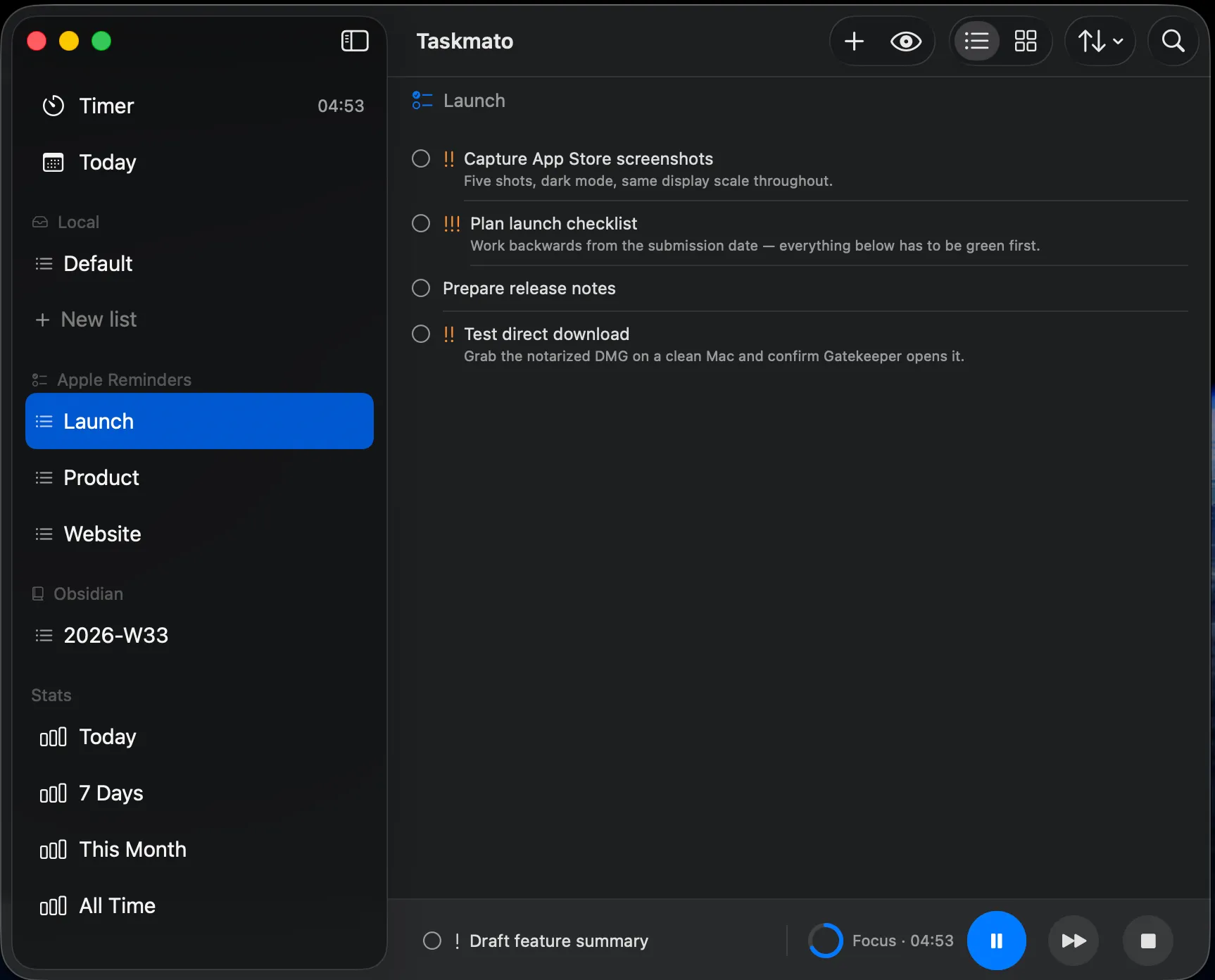
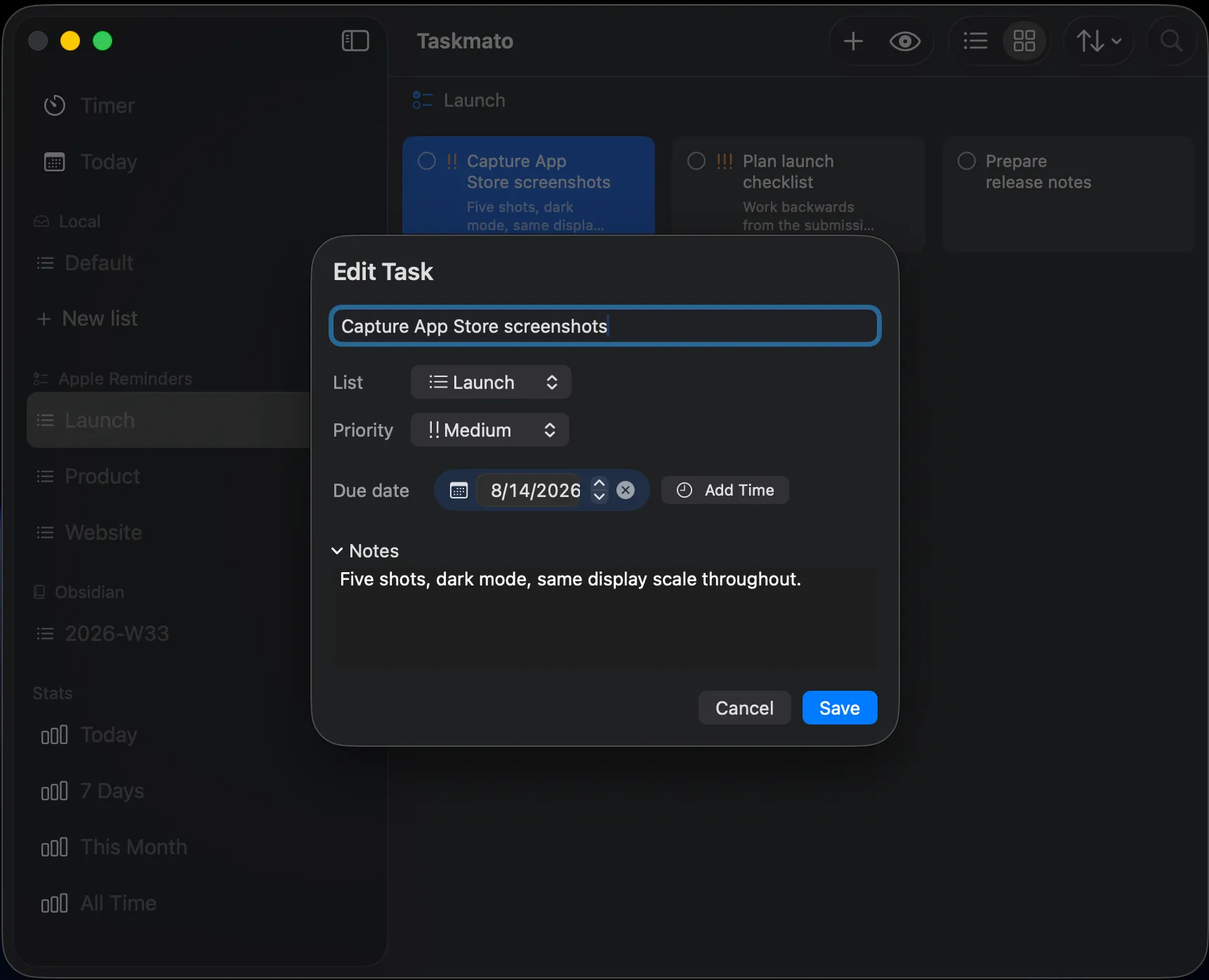
Edit tasks in place.
- Create and organize tasks in Local.
- Create, update, complete, reopen, and delete Apple Reminders.
- Read and update supported Markdown tasks in Obsidian.
- Jump back to any Reminders or Obsidian task in its source app.
Automate with URLs.
Launch a focus session from a script, shortcut, or link.
taskmato://start?title=Review%20product%20copy&list=Product&priority=highSee where your focus goes.
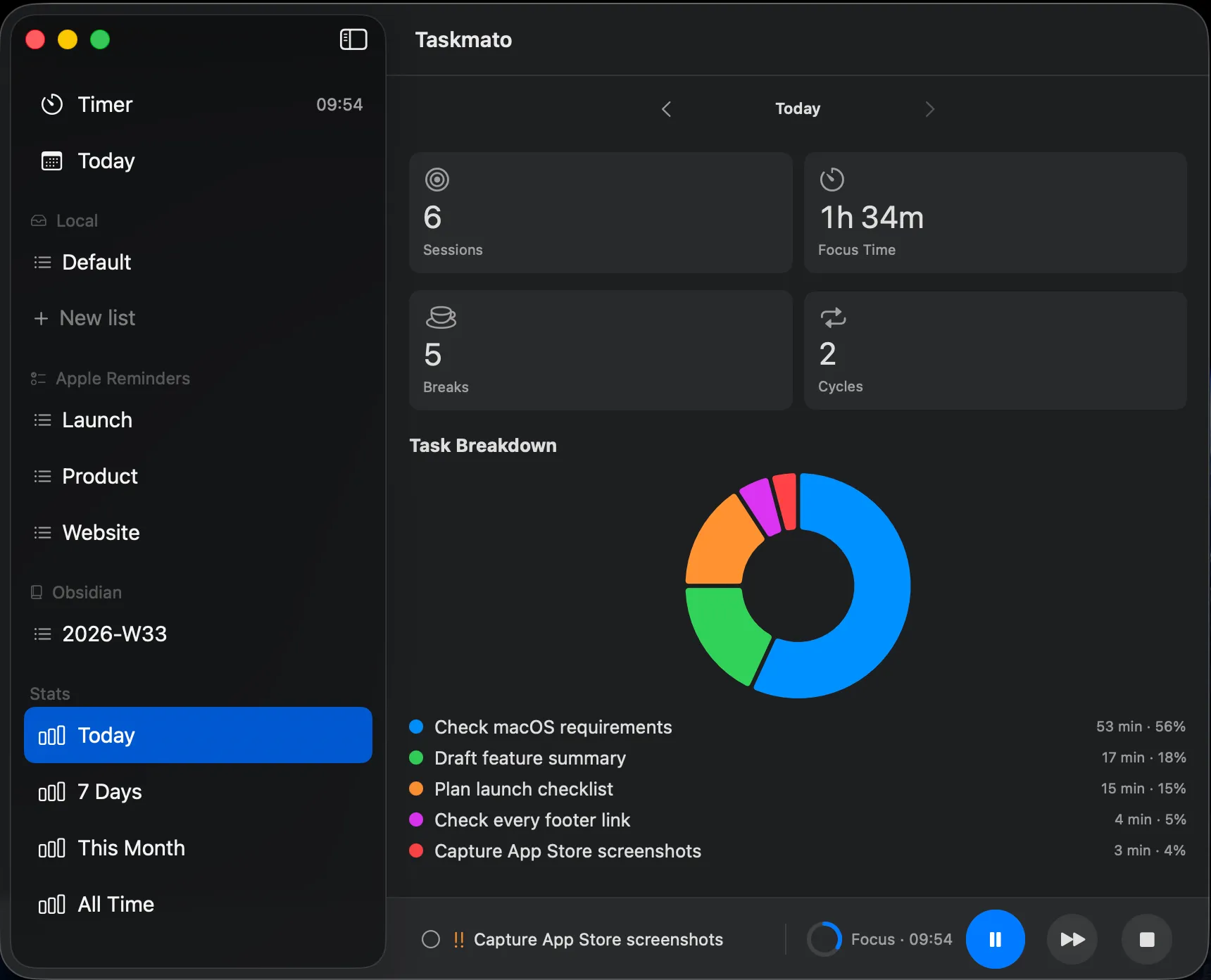
Sessions, focus time, breaks, and cycles—by day, week, month, or all time, stored locally on your Mac.
- No account.
- No analytics SDKs.
- Your app data stays on your Mac.
Taskmato ships as a signed and notarized direct download from GitHub Releases (opens in a new tab). Every published build is listed there, so you can install or roll back any version yourself.
Ready to focus?
macOS 15 (Sequoia) or later